Self-hosted n8n needs a Linux VPS, persistent storage and an HTTPS endpoint for external webhooks. Download the free Docker Compose starter with PostgreSQL and Caddy: create the owner privately over an SSH tunnel, then enable your domain. MOTSELL VPS rental in Germany or Finland starts at $10.90 per month; you install and maintain the application.
View live catalogDownload the n8n VPS configuration
Docker Compose, PostgreSQL, Caddy, separate generated secrets and Russian/English instructions. No purchase or registration required. Start with README.en.md on a fresh installation; owner setup uses a private SSH tunnel.
Download n8n starter · ZIP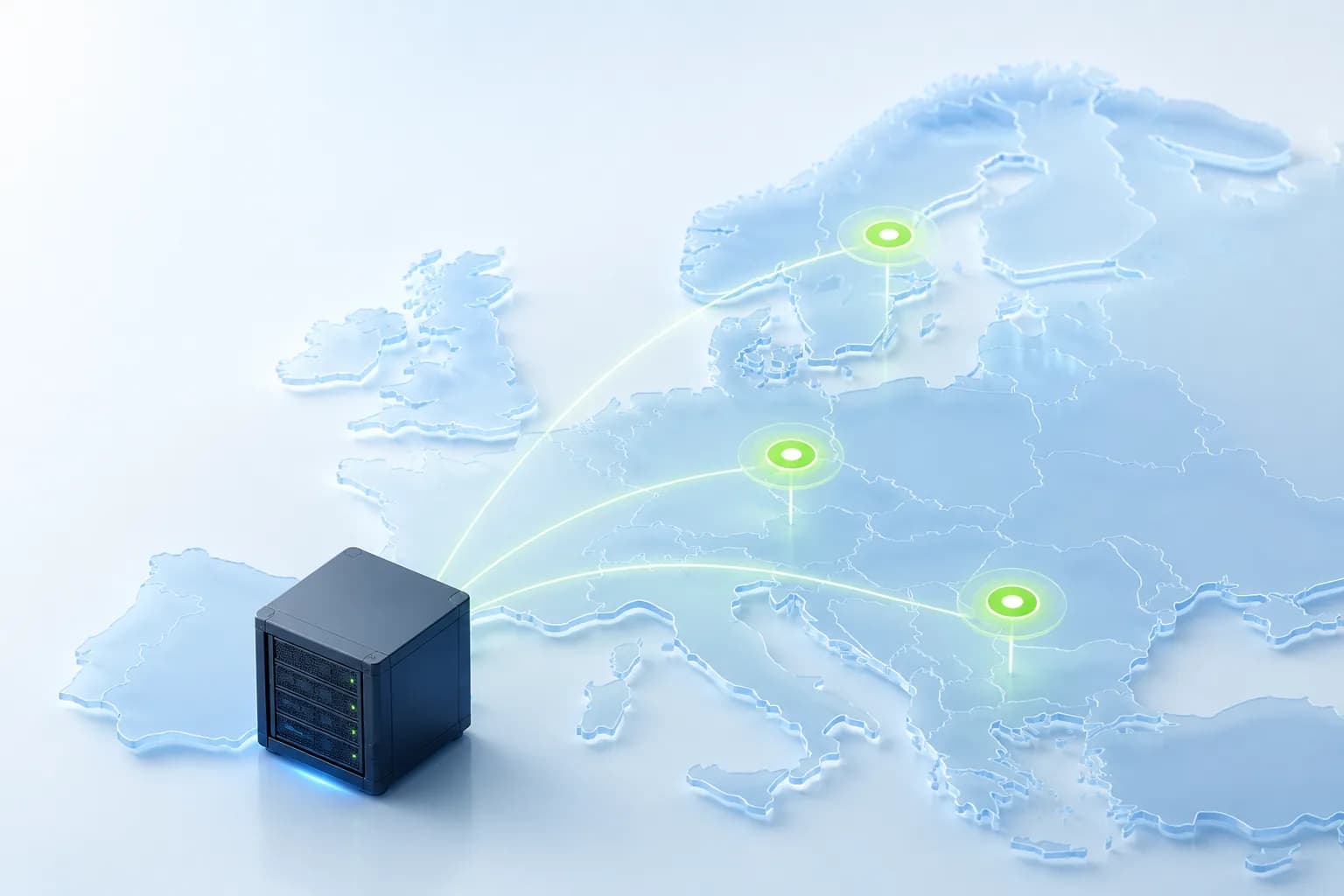
Key points
- MOTSELL monthly plans: 2 CPU / 4 GB / 40 GB for $10.90; 4 CPU / 8 GB / 80 GB for $16.90; 8 CPU / 16 GB / 160 GB for $32.90.
- This starter runs ordinary n8n with PostgreSQL. AI Assistant, a sandbox and queue mode are not included; size the server for your own workflows.
- Choose the available location and Linux image in the portal after paying for a new service.
- Digiseller shows the final total for the selected payment method before payment.
Choose resources for your workflows
Consider the monthly 2 CPU / 4 GB / 40 GB plan for an initial self-hosting evaluation. Compare the 8 GB plan if the same server also runs a database, other applications or demanding workflows. Size memory and storage from your workload rather than the workflow count alone.
MOTSELL terms are 1, 3, 6 or 12 months. A longer term does not imply a discount. The USD amounts here are one-month catalog prices; check availability and the final checkout total before paying.
Check the Linux environment
Use a fresh Linux VPS with Docker Engine, Compose v2, Python 3.9 or newer and SSH access. This starter is for a clean installation: do not overlay an existing n8n deployment or a server already using ports 80/443.
These read-only commands report CPU, memory, disk and Docker availability. They do not install anything. If Docker is missing, follow the official installation steps for your Linux distribution.
nproc
free -h
df -h /
docker --version
docker compose version
Configure the starter and generate private secrets
Extract the archive into a persistent folder on the VPS, such as ~/motsell-n8n. Avoid /tmp: the files must survive a reboot. Run configure.py with your hostname and an ACME contact email. It creates .env with mode 600 and different random secrets for the PostgreSQL administrator, n8n database role and application encryption. An existing .env is never overwritten.
The starter specifies n8n 2.48.4 at preparation time; check the current stable release before installing. Keep .env outside public source control. Recovery needs the original encryption key. Editing a password in .env does not update an existing database role.
python3 configure.py --domain n8n.your-domain.tld --email admin@your-domain.tld --timezone UTC
docker compose config --quiet
Create the owner through a private SSH tunnel
On the VPS, first start only PostgreSQL and n8n with the bootstrap override. The editor binds to 127.0.0.1, PostgreSQL has no host port and Caddy is not started. Bootstrap HTTP is only for private setup behind the SSH tunnel.
On your own computer, open another terminal and run ssh -N -o ExitOnForwardFailure=yes -L localhost:15678:127.0.0.1:5678 root@SERVER_IP, replacing the IP and SSH user. Open http://localhost:15678 and create the n8n owner with your own password. Do not enable the public profile before owner setup is complete.
docker compose -f compose.yaml -f compose.bootstrap.yaml up -d postgres n8n
docker compose -f compose.yaml -f compose.bootstrap.yaml ps
Prepare a domain and HTTPS for webhooks
Point the hostname A record to the VPS IPv4. If you use AAAA, verify IPv6 reachability too. This setup needs reachable TCP 80/443. After creating the owner, start the base configuration with its public profile. Caddy requests a certificate for the hostname; issuance depends on DNS and connectivity.
Omit compose.bootstrap.yaml here: the base restores HTTPS URLs and secure cookies. Open your HTTPS URL, sign in as the owner and close the SSH tunnel. Only Caddy publishes ports 80/443 publicly; the n8n port remains on loopback.
docker compose --profile public up -d
docker compose --profile public ps
docker compose logs --tail=40 caddy
Test a webhook and plan recovery
Create a small Webhook / Respond to Webhook workflow. Start listening for a test event, call the test URL provided by n8n and inspect its response. Then publish the workflow and separately check its production URL. A test listener and a permanent endpoint are different modes. Keep real secrets and personal data out of trial webhooks.
The starter sets N8N_WEBHOOK_URL to your HTTPS hostname and N8N_PROXY_HOPS=1 for the single Caddy proxy. If a public webhook URL displays localhost or port 5678, check the configuration and restart. Retain the database, application data and .env, and test restoration separately. A database dump alone is not a complete backup. docker compose down -v deletes volumes and is not an ordinary restart command.
Installation and recovery verification
On November 17, 2026, the published ZIP was tested by running n8n 2.48.4, PostgreSQL and Caddy: owner setup, HTTPS, a real POST webhook using a stored credential, container recreation and restoration into a separate fresh instance. After restoration and a Linux reboot, the owner could sign in, and the credential decrypted and authorized the workflow request.
The test used an isolated Ubuntu 26.04 Linux arm64 VM. HTTPS was verified with Caddy's local CA; public ACME issuance and VPS performance were not measured. The verification record and published ZIP hash are linked in the sources.
Buy the VPS and start the installation
Open the MOTSELL VPS selector, choose the configuration and term, and review the final Digiseller total. Available checkout methods include SBP, SberPay and bank cards as shown on the payment page.
After paying for a new service, choose Nuremberg, Falkenstein or Helsinki and a suitable Linux image in the portal, then start server creation. Use root access after launch and follow the official n8n instructions. Portal reinstall and rescue controls apply to the VPS; its administrator maintains the application.
Understand the operating costs
MOTSELL charges for the selected VPS and rental term. n8n Cloud subscriptions, paid n8n features, a domain and external API services are not included in the VPS price. Account for any paid API used by your workflows separately.
The customer manages n8n and Linux updates, integrations and backups. Plan recovery before deploying production workflows: n8n's documentation specifically describes retaining application data and the encryption key.
FAQ
Is n8n preinstalled on a MOTSELL VPS?
No. This offer is a Linux VPS for installing n8n yourself. n8n installation and application management are not included.
What does the entry VPS cost?
The MOTSELL entry plan is $10.90 for one month with 2 CPU, 4 GB RAM and 40 GB SSD. The final total depends on the payment method and is shown by Digiseller before payment.
Can I download the starter without purchasing?
Yes. The ZIP is available without registration. It includes Docker Compose, a Caddyfile, a private .env generator and Russian/English instructions. It contains no real passwords.
Is 4 GB RAM enough?
4 GB is the size of the entry MOTSELL plan, not a capacity guarantee. Requirements depend on data, concurrency and other applications. Measure your workload and compare the 8 GB option.
Can I choose Germany or Finland?
New services offer Nuremberg and Falkenstein in Germany, and Helsinki in Finland. Select an available location and image in the portal after payment.
Is this an n8n Cloud subscription?
No. You rent a MOTSELL VPS and install the application yourself. n8n's developer sets its software licensing and paid-feature terms.
Sources
Technical statements are checked against primary documentation.